


🔥 HOT PEEL DTF 💨
Cheetah DTF Color Chart
In stock
Explore and Order Your Cheetah DTF Color Chart
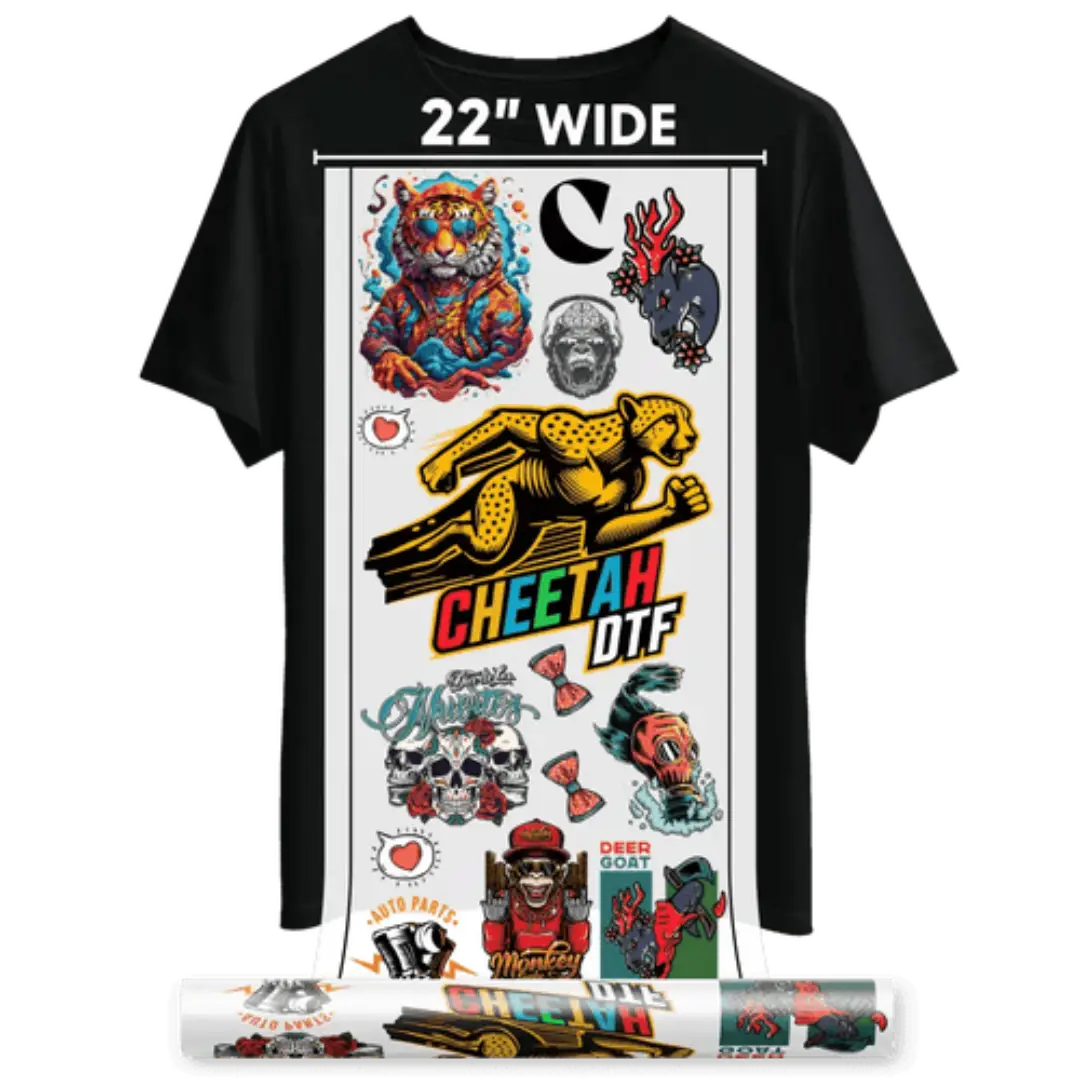
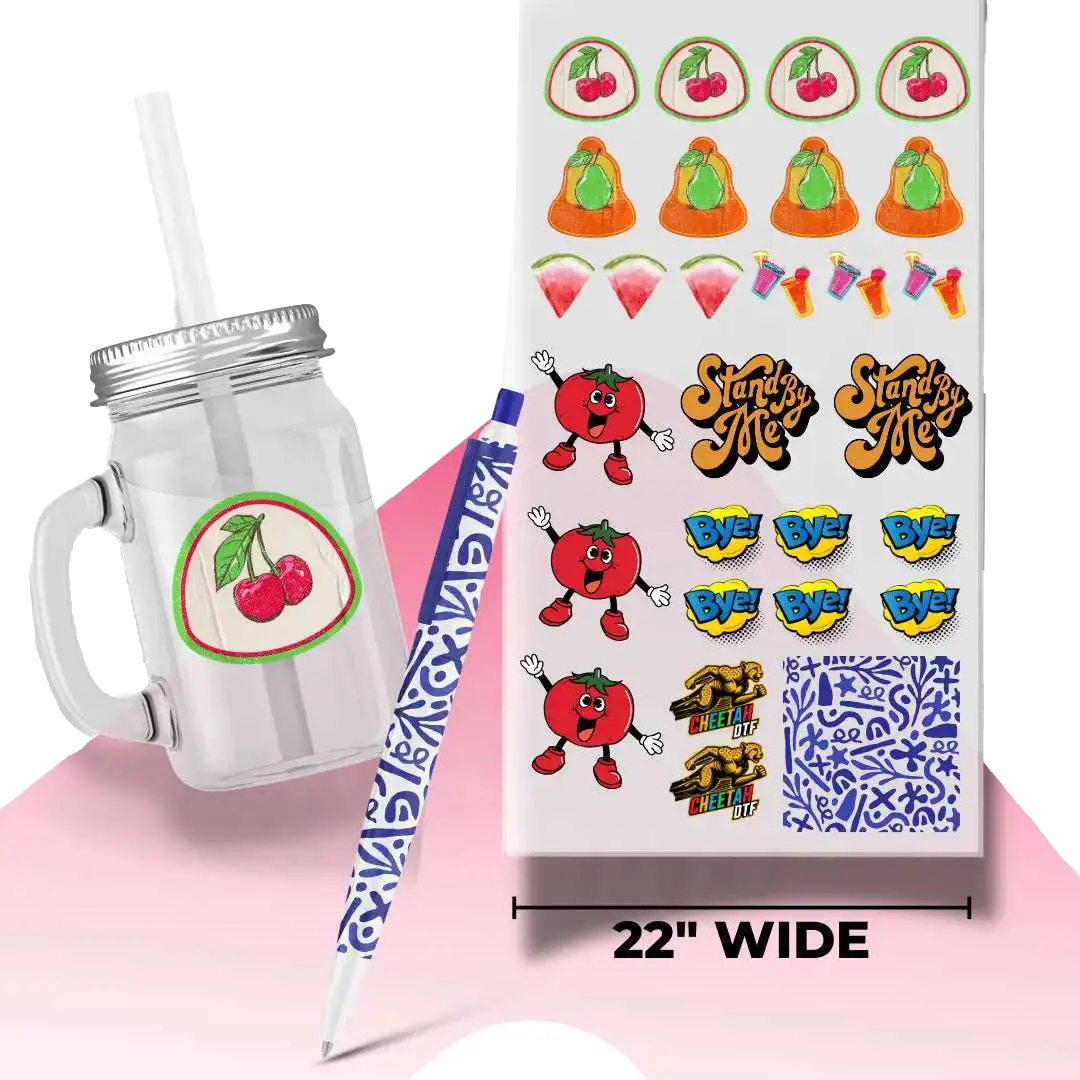
Want to ensure perfect color accuracy in your DTF transfers? Our Cheetah DTF Color Chart is the ideal reference tool.
- Get a physical print of our full color chart on DTF film.
- Use it to preview how colors will appear when printed — what you see is what you’ll get.
- Perfect for matching brand colors, testing artwork, or refining your design process.
- No need to upload a file — just add the Color Chart to your cart and proceed to checkout.
- Highly recommended for first-time customers and frequent DTF users alike.
Start your printing with confidence. Know your colors, trust your output.
Shipping & Returns
Shipping & Returns
Orders placed before 2:00 PM Central Time (CST) will be shipped the same day. Orders placed after 2:00 PM will be shipped on the next business day.
For local pickup, place your order by 2:00 PM CST to qualify for same-day pickup. Orders placed after that time will be available the following business day.
24/7 Support
24/7 Support
We're here for you — anytime, day or night. Whether you have questions, need help with an order, or run into an issue, our team is always ready to assist.
📞 For urgent matters, call us at
+1 (682) 354-4200
📧 Or email us anytime at order@cheetahdtf.com
💬 Live chat and contact form options are also available for your convenience.
Your satisfaction is our priority.


The Fastest DTF

There is no universal setting that works perfectly for every heat press—it is all about finding what works best for your machine. With a bit of testing, you will dial in the ideal settings to ensure consistent, vibrant, and high-quality results every time.
Below are the recommended starting settings and step-by-step application instructions for Cheetah DTF transfers:
Recommended Starting Settings for Cheetah DTF Transfers
- Temperature: 290°F – 320°F (145°C – 160°C)
- Press Time: 8–9 seconds
- Pressure: High / Maximum (Always apply the highest possible pressure)
Cheetah DTF Application Instructions
1. Garment Preparation
Ensure the fabric is clean, flat, and wrinkle-free. Apply a quick 2–3 second pre-press to eliminate moisture and create a smooth pressing surface.
2. Design Placement
Position your Cheetah DTF transfer film onto the garment and verify proper alignment before pressing.
3. Heat Press Application
Press using the recommended temperature range of 290°F – 320°F (145°C – 160°C) for 8–9 seconds with firm, high pressure.
4. Peeling the Film (Hot Peel)
Cheetah DTF transfers are strictly Hot Peel. Peel the carrier film smoothly and immediately while it is still hot for a sharp, clean finish. Do not wait for the film to cool down.
5. Final Press (Recommended)
Cover the design with parchment paper or a Teflon sheet and press again for 5–10 seconds. This locks in the ink, softens the feel, and ensures maximum wash durability for your Cheetah DTF prints.
Note: Always test on different fabrics before full production runs. Optimal settings may vary slightly between 100% cotton, polyester, and performance blends.

Orders placed before 2:00 PM Central Time (CST) will be shipped the same day. Orders placed after 2:00 PM will be shipped on the next business day.
For local pickup, place your order by 2:00 PM CST to qualify for same-day pickup. Orders placed after that time will be available the following business day.
Shipping typically takes 1–7 business days, depending on your location and the shipping method selected at checkout.
If you receive a damaged or defective item, please contact Cheetah DTF within 7 days of receiving your order for support and resolution.
Frequently Asked Questions
What’s the point of the Cheetah DTF print color chart?
Essentially, it’s your cheat sheet for seeing how colors appear when printed with DTF (Direct-to-Film) technology. Designers and customers can preview how things will look before making a bulk purchase. If you want a DTF color chart for custom prints, this one’s made for real-world testing.
Does the Cheetah chart include Pantone colors?
Yes, it’s got Pantone colors; well, as close as you’re gonna get with CMYK inks on DTF film. Some Pantone shades just don’t retain their vibrancy on certain fabrics, but you get a decent visual guide for picking the nearest match. Don’t expect 100% Pantone magic, but it gets you in the ballpark if you need a reliable Cheetah DTF color guide for professionals.
Will the chart colors match what I see on my finished shirt?
Pretty close! We print the chart using the same inks, on the same printer, and with the same film you’d use for your real products. That said, if you experiment with your heat press settings or use a non-compatible fabric, colors may shift slightly. Still, it’s an excellent Cheetah prints DTF ink color testing chart for shirts that reflects accurate, press-ready results.
Is this chart printed on DTF film?
Yes, it’s the real deal; actual DTF film, not some paper knockoff. What you see is what you get when you press it. No digital guesswork or fake samples here. If you're looking to order a free DTF color chart online, make sure it’s pressable like this one.
Can I slap the chart onto a shirt to test it?
Yes! You can press the actual chart onto any compatible fabric you prefer, such as cotton, polyester, or blends. It’s made for this. That way, you can see how the colors hold up, pop, or fade depending on your material. That’s what makes this an accurate Cheetah DTF print color chart for heat transfers—it’s made to be used, not just looked at.
Is it just boring color blocks, or do you get gradients too?
You get your solid color swatches (classic), plus smooth gradients so you can see how the printer handles fades and subtle blends. If you're creating detailed, tonal work, this printable DTF color chart is your best bet against color distortions.
Will it look the same on cotton and poly?
Not exactly. Cotton soaks up more ink, resulting in a softer, slightly duller vibe. With polyester, colors are punchier and sharper. The chart allows you to preview how your colors will look on different fabrics, making it an essential Cheetah DTF printing premium DTF transfer color chart for testing across various material types.
Does the chart help with underbase stuff for dark shirts?
For sure. There are prints made for use with a white underbase, allowing you to see how colors pop against black or navy gear. You’ll spot if those pastels are gonna glow or just get lost in the void. Perfect if you're printing on dark stuff and want quality you can count on.
Can I get this chart for different printers or inks?
Usually, it’s tuned for the specific printer and ink combination from the manufacturer. If you’re running a different setup, your settings may vary. Some shops create custom charts for their gear, but most use a universal Cheetah DTF Fort Worth color chart for custom prints like this one.
How often should I make a new chart?
Whenever you swap inks, films, or adjust your printer settings, you should reprint the chart. Even your studio’s humidity can mess with colors. Every few months (3–6) is recommended to stay on track. Don’t forget to re-order DTF print color chart online if you wish to have the most up-to-date reference for your setup.

